
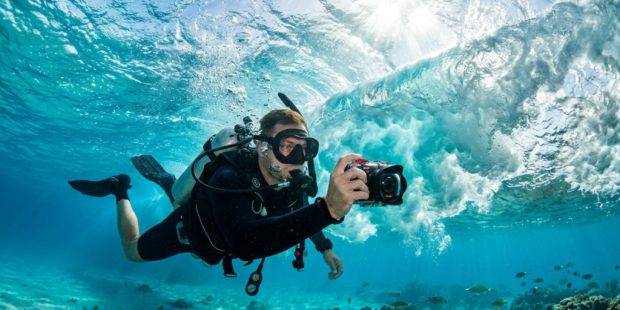
You’ve probably watched a friend’s surf session or snorkeling trip from a shaky, blurry phone video and thought, “I need something better.” When you’re in the ocean, conditions are harsh: salt spray, sand, sudden waves, and changing light. A standard camera or phone won’t cut it for long. You need a dedicated action camera that can handle the deep blue while delivering crisp, high-resolution footage. The challenge isn’t just picking any camera—it’s finding the right 4K waterproof camera that matches how you actually use it in the water. This guide breaks down the real-world factors that matter, from lens quality to battery life, so you can make a confident choice without wasting money on features you don’t need.
What Makes a Camera Truly “Ocean-Ready”?
Not all waterproof cameras are created equal. A camera that survives a pool splash might not survive a wipeout on a reef. For ocean sports, you need to look beyond the marketing hype and focus on specific engineering details that determine durability and performance in saltwater environments.
Depth Rating vs. Real-World Water Pressure
Manufacturers list depth ratings like “10m” or “30m” without a case. While these numbers are accurate in controlled conditions, moving water is different. Waves crashing against you create pressure spikes that can stress a housing or seal. For surfing, kayaking, or paddleboarding, a camera rated for at least 10 meters (33 feet) without a case is a solid baseline. If you plan to scuba dive or free dive deeper, you’ll need a camera rated for 30 meters or more, or you’ll need to invest in a separate dive housing. Always check whether the depth rating applies to the bare camera or only with an included case.
Seal Integrity and Saltwater Corrosion
Saltwater is the enemy of electronics. It corrodes metal contacts, degrades rubber seals, and leaves behind crystalline residue that can jam buttons. Look for cameras with double-locking battery doors and corrosion-resistant coatings on the charging port. After every ocean session, you should rinse the camera in fresh water—not just a quick splash, but a gentle soak and movement of the buttons to flush out salt. This maintenance is non-negotiable if you want your camera to last more than a season.
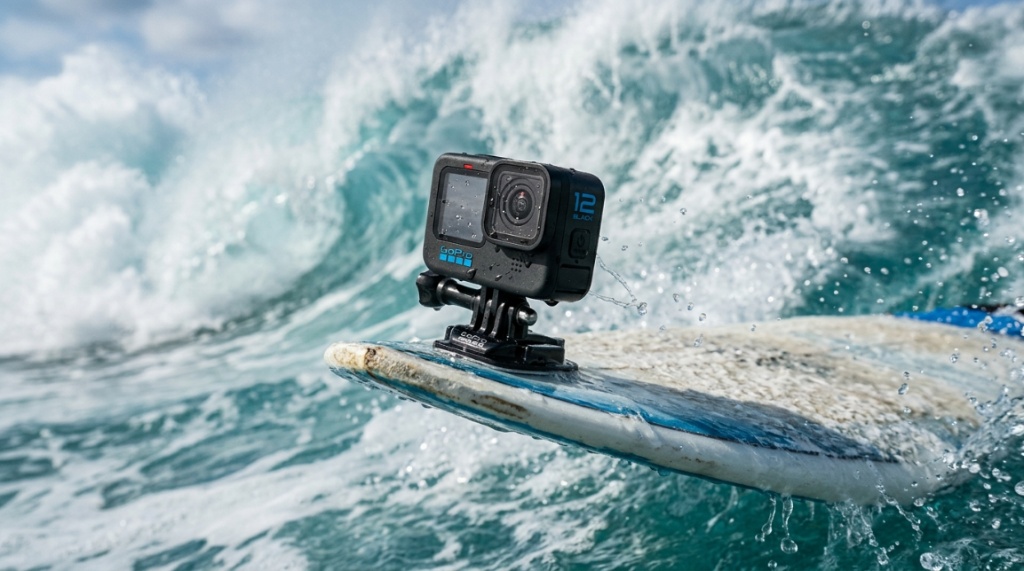
Image Quality: Why 4K Resolution Is Only Half the Story
Everyone wants 4K, but resolution alone doesn’t guarantee great footage. A 4K waterproof camera can still produce soft, muddy images if the sensor is small or the lens is poor. What matters more is how the camera processes light, handles motion, and stabilizes the frame.
Sensor Size and Low-Light Performance
Most action cameras use a 1/2.3-inch sensor, which is small but adequate for bright daylight. However, ocean sports often happen during golden hour—early morning or late afternoon—when light is limited. A camera with a larger sensor, like a 1-inch type, will capture more detail and less noise in these conditions. If you mostly film midday, a standard sensor is fine. If you chase dawn patrol waves or film underwater where light drops quickly with depth, prioritize a larger sensor even if it costs more.
Stabilization: The Difference Between Watchable and Nauseating
Handheld footage from a paddleboard or surfboard is inherently shaky. Electronic image stabilization (EIS) has improved dramatically, with systems like GoPro’s HyperSmooth and DJI’s RockSteady leading the pack. These systems use gyroscope data to crop and shift the frame in real time, producing gimbal-like smoothness. When comparing cameras, don’t just look at specs watch sample footage from actual ocean sports. Pay attention to how the horizon holds steady and whether the stabilization introduces a “jelly” wobble during fast pans. If you are also setting up security gear to monitor your equipment storage or coastal property, you might ask Do CCTV cameras need an internet connection?
Key Features to Prioritize for Ocean Sports
Beyond image quality and durability, specific features make a camera far more usable in the water. These are the details that separate a frustrating experience from a seamless one.
Battery Life in Cold Water
Cold water drains lithium-ion batteries faster than warm air. A camera that lasts 90 minutes on land might die after 40 minutes of surfing in 60°F water. Look for cameras with removable batteries so you can carry spares. Also, check if the camera supports external power via a USB-C port while in a waterproof housing—some housings have a cutout for this, which is useful for long sessions or time-lapses. A common mistake is buying a camera with a built-in battery and realizing you can’t swap it out between sessions.
Field of View and Lens Distortion
Action cameras typically offer multiple field-of-view options: wide, superview, linear, and narrow. A super-wide field of view is great for capturing your board and the wave, but it introduces barrel distortion—straight lines appear curved. For a more natural look, use the linear mode, which crops the image slightly but removes distortion. Think about your subject: if you’re filming yourself from a mouth mount, you want a wide view to keep your face and the wave in frame. If you’re filming a friend surfing, a narrower field of view with less distortion looks more professional.
Touchscreen Responsiveness with Wet Hands
Navigating menus with wet, sandy fingers is a nightmare on some cameras. The touchscreen on many action cameras becomes unresponsive when wet. Some models, like the GoPro Hero series, have a “wet fingers” mode that improves responsiveness. Others rely on physical buttons for all controls, which can be more reliable but slower to navigate. If you plan to change settings while in the water, test how the touchscreen behaves with a wet finger in the store or check reviews that specifically mention this issue.
Comparing Popular 4K Waterproof Cameras
While we won’t rank specific models, understanding the trade-offs between the major brands helps you narrow your options. Each ecosystem has strengths and weaknesses that align with different types of ocean sports.
| Brand | Strengths | Weaknesses | Best For |
|---|---|---|---|
| GoPro | Excellent stabilization, huge accessory ecosystem, proven durability | Higher price, can overheat in direct sunlight | Surfing, diving, vlogging |
| DJI | Great image quality, competitive price, user-friendly app | Fewer mounting options, less established in extreme sports | Paddleboarding, kayaking, travel |
| Insta360 | Unique 360-degree capture, invisible selfie stick, AI editing | Requires more post-processing, lower resolution in single-lens mode | Creative shots, social media |
| GoPro Alternative (e.g., Akaso, Campark) | Budget-friendly, decent 4K quality, good for beginners | Weaker stabilization, less durable, shorter battery life | Casual use, first-time buyers |
When you’re ready to compare specific models, a resource like this 4K waterproof camera guide offers practical insights into how different options perform in real ocean conditions, especially in Florida’s varied surf and spring environments.
Mounting Systems: How You Attach the Camera Matters
A camera is useless if you can’t attach it securely. The mount is the weakest link in the chain—a broken mount means a lost camera. For ocean sports, consider how you’ll use the camera:
- Surfboard mounts: Adhesive mounts work well but must be applied to a clean, dry surface. Use a leash to tether the camera to your board as a backup.
- Mouth mounts: These give a first-person perspective and are popular for surfing. They require a comfortable bite plate and a secure tether.
- Helmet or head straps: Good for kayaking or paddleboarding, but they can be uncomfortable under a wetsuit hood.
- Chest mounts: Provide a stable, low-angle view that’s great for showing hand movements, like paddling or casting a fishing line.
Always buy extra mounting hardware and tethers. The included mounts are often minimal, and losing a camera to a broken clip is a common and avoidable tragedy.
Audio Quality: The Overlooked Feature
Underwater, audio is mostly useless—sound travels differently and you’ll just hear muffled noise. But above water, the sound of waves, your breathing, or a friend’s shout adds atmosphere to your footage. Most action cameras have poor built-in microphones that pick up wind noise. If audio matters to you, look for a camera with a wind-reduction mode or the ability to connect an external microphone via an adapter. Some cameras, like the GoPro Hero series, have improved their internal mics significantly, but they still struggle in high wind. For surfing, the sound of the wave is often enough, so don’t over-prioritize audio unless you’re creating professional content.
Budget Considerations: What Are You Really Paying For?
Prices for 4K waterproof cameras range from under $100 to over $500. The price difference reflects sensor quality, stabilization, durability, and brand support. A budget camera can produce decent footage in perfect conditions, but it will likely struggle with stabilization, low light, and long-term durability. If you’re a casual user who films a few times a year, a budget option might be sufficient. If you’re a regular surfer or diver, investing in a premium model pays off in reliability and footage quality. Also, factor in the cost of accessories: extra batteries, memory cards, mounts, and a protective case can add $100 or more to your total.
Frequently Asked Questions
Do I need a separate housing for a waterproof camera?
Not always. Many action cameras are waterproof to 10 meters without a housing. However, a housing provides extra protection against impacts and allows you to dive deeper. For surfing and snorkeling, the built-in waterproofing is usually sufficient. For scuba diving, a housing is essential.
Can I use a 4K waterproof camera for vlogging above water?
Yes, but consider the microphone quality and field of view. Most action cameras have a wide field of view that’s good for vlogging, but the built-in mic may pick up wind noise. You might need an external microphone adapter for better audio.
How do I maintain my camera after saltwater use?
Rinse the camera in fresh water immediately after use. Gently move the buttons and open the battery door to flush out any salt. Dry it with a soft cloth and leave the battery door open to air out. Never use soap or harsh chemicals.
What memory card speed do I need for 4K video?
You need a UHS-I Speed Class 3 (U3) or Video Speed Class 30 (V30) card or faster. These cards can handle the high bitrate of 4K video without dropping frames. A 64GB card is a good starting point, but 128GB is better for long sessions.
Is 4K worth it if I only post to social media?
Yes, because 4K gives you flexibility in post-production. You can crop into the frame without losing quality, and the footage will look sharper when downscaled to 1080p. It’s also future-proof if you ever upgrade your display or editing workflow.
Conclusion
Finding the right 4K waterproof camera for ocean sports comes down to matching the camera’s capabilities to your specific activity, environment, and budget. Prioritize depth rating, seal integrity, and stabilization over raw resolution. Consider how battery life, mounting options, and touchscreen responsiveness will affect your real-world experience. Don’t overlook maintenance—a quick freshwater rinse after every session is the single best way to extend your camera’s life. Whether you’re a weekend surfer or a dedicated diver, the right camera will let you capture those unforgettable moments without worrying about the gear. Start with your must-have features, set a realistic budget, and choose a camera that you’ll actually enjoy using in the water.
